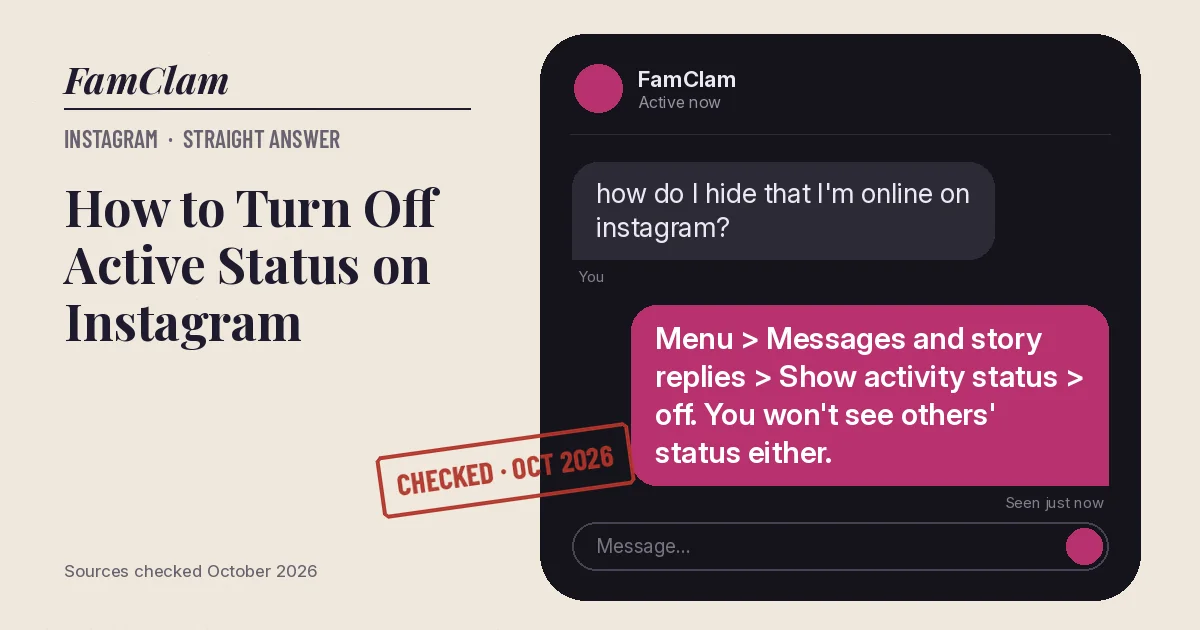
To turn off active status on Instagram, open your profile, tap the menu icon, go to Messages and story replies > Show activity status, and switch it off. People you follow and anyone you message will stop seeing when you’re online. The catch: you also stop seeing their activity status.
- Activity status shows a green dot or a “last active” time next to your profile picture in messages.
- Turning it off is all or nothing for you: you lose other people’s status too (Instagram Help Center, October 2026).
- Read receipts (“Seen”) are a separate setting.
On Android and iPhone
- Tap your profile picture in the bottom-right corner.
- Tap the menu icon (three lines) in the top-right corner.
- Under How others can interact with you, tap Messages and story replies.
- Tap Show activity status.
- Turn the toggle off.
On a computer
- Click More in the bottom-left corner, then Settings.
- Under How others can interact with you, click Messages and story replies.
- Click Show activity status and turn the toggle off.
The setting follows your account, so changing it in one place is enough.
What changes when it’s off
| Status on | Status off | |
|---|---|---|
| Others see when you’re active | Yes: people you follow and anyone you message | No |
| You see when others are active | Yes, if theirs is on | No |
| “Seen” on messages you read | Controlled separately | Controlled separately |
Hide your status from just one person
Instagram has no per-person activity toggle, but Restrict does the job. Instagram says a restricted person won’t see when you’re online, and they aren’t alerted that you restricted them.
- Open your chat with the person.
- Tap their name at the top of the chat.
- Tap Options, then Restrict, and confirm with Restrict account.
Restricting also moves their new comments out of public view. If you want them gone completely, blocking is the stronger option; here’s what a block looks like from the other side.
Gotchas
- Threads has its own active-status control. Turning it off on Instagram doesn’t cover Threads.
- Read receipts can be managed for one chat or all chats in Instagram’s message settings. Turning off activity status doesn’t hide “Seen”.
- If someone was in a chat with you a moment ago, they may still remember you were online. The setting only stops new signals.
FAQ
Can people tell I turned off my active status?
They just stop seeing a green dot or “Active” time for you. Instagram doesn’t describe any alert for this change.
Why can’t I see when my friends are online anymore?
Because your own status is off. Instagram only shows other people’s activity to accounts that share their own.
Does turning off active status hide me on Facebook or Messenger?
No. This is an Instagram setting. Facebook and Messenger have their own active status controls.
What does the green dot on Instagram mean?
It means that account is active on Instagram right now, and that you can see it because both of you have activity status on.
Checked against Instagram’s Help Center for Android, iPhone and desktop, October 2026. Sources: Turn your Instagram Activity Status on or off, Manage read receipts for your chats, About Instagram: Block, Mute, Restrict, Report (November 2024).