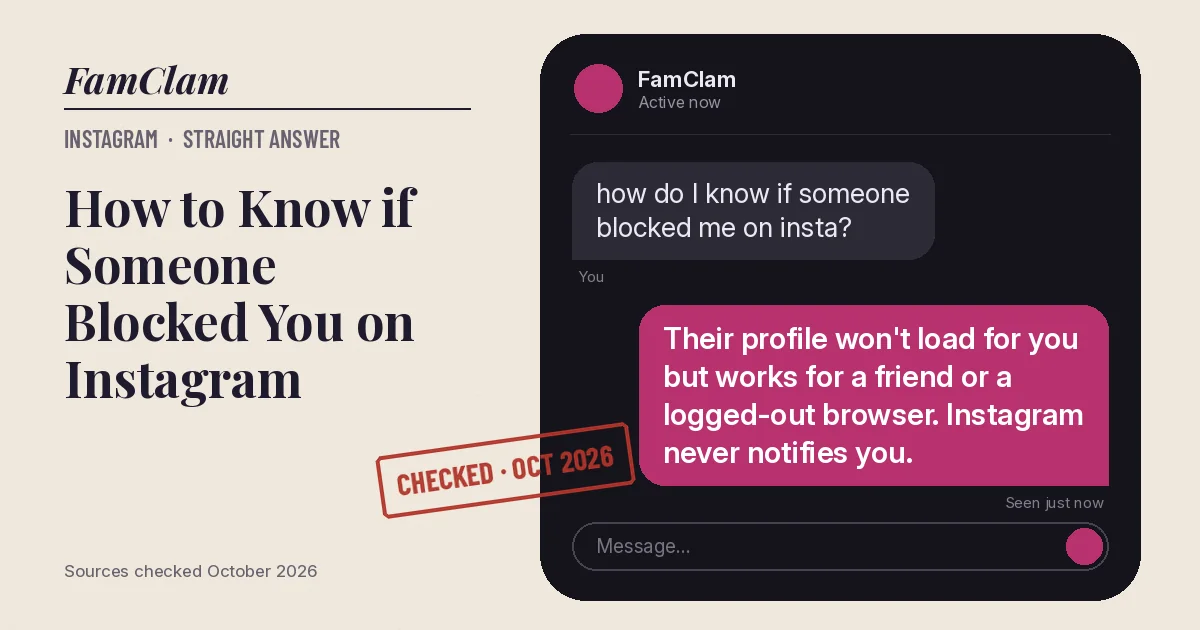
Instagram never tells you when someone blocks you. The clearest sign is a profile that won’t load for you, or shows up empty, while it looks normal from a logged-out browser or a friend’s account. If the profile is missing for everyone, they more likely deactivated, deleted or renamed the account.
- People aren’t notified when you block them, and Instagram won’t confirm a block either (Instagram Help Center, October 2026).
- The reliable test is a second view: visible to a friend or a logged-out browser but not to you usually means a block.
- When someone blocks you, your likes and comments are removed from their posts.
How to check if someone blocked you
- Tap Search and type their exact username. Note whether the account appears at all.
- If it appears, open the profile. A block usually shows as User not found or an empty grid with no posts, even when you know they post.
- Open your old chat with them in your inbox. Instagram keeps the thread, but anything you send there won’t reach them while you’re blocked.
- Think of a post of theirs you liked or commented on. Ask a friend to open it: if your comment is gone, that fits a block, because Instagram removes a blocked person’s likes and comments.
- Open a private or incognito browser window, go to instagram.com/ followed by their username, and see what loads. Instagram may ask you to log in after a few views.
- Ask a friend who follows them to search the same username on their phone.
Why the last two steps matter: they separate “hidden from me” from “gone for everyone”, which is the whole question.
Blocked, deactivated or something else?
| What happened | What you see | What everyone else sees |
|---|---|---|
| They blocked you | Profile missing or empty; you can’t message them | Normal profile |
| They deactivated | Profile missing | Profile missing; their photos, comments and likes are hidden until they log back in |
| They deleted the account or it was banned | Profile missing | Profile missing for good |
| They changed their username | Old username “isn’t available” | Same, but the new username works |
| They restricted you | Everything looks normal | Normal profile; your new comments are visible only to you |
| They made the account private | “This account is private” with a Follow button | The same for non-followers |
Gotchas that cause false alarms
- A username change looks exactly like a disappearance. Search their real name, or check a mutual friend’s Following list.
- Instagram lets people block “this profile and other existing profiles they may have or profiles they may create”, so a new account of yours may be blocked too.
- If you share a group chat and they chose to stay in it after blocking you, you can still see each other’s messages there. That doesn’t mean you aren’t blocked.
- Apps that promise to show “who blocked me” can’t see Instagram’s block data, and most ask for your password. Skip them.
FAQ
Does Instagram notify you when someone blocks you?
No. Instagram’s help page says people aren’t notified when they’re blocked, and Instagram doesn’t list who blocked you anywhere in the app.
If they unblock me, will they get the messages I sent?
No. Instagram says messages sent by a blocked person aren’t received and won’t be delivered later if the block is lifted.
Why can I still see their comments on other posts?
Instagram says people you block can still see your likes and comments on public posts or posts from accounts they follow. That works both ways, so seeing their comments elsewhere doesn’t rule out a block.
Can I message someone who blocked me?
The old thread stays in your inbox, but your messages won’t reach them. If you need to reach them, it has to be outside Instagram.
On Snapchat the presence signal works differently; here’s what the green dot on Snapchat means.
Checked against Instagram’s Help Center for Android and iPhone, October 2026. Sources: What happens when you block someone on Instagram, Temporarily deactivate your Instagram profile, Proton VPN (July 2026).