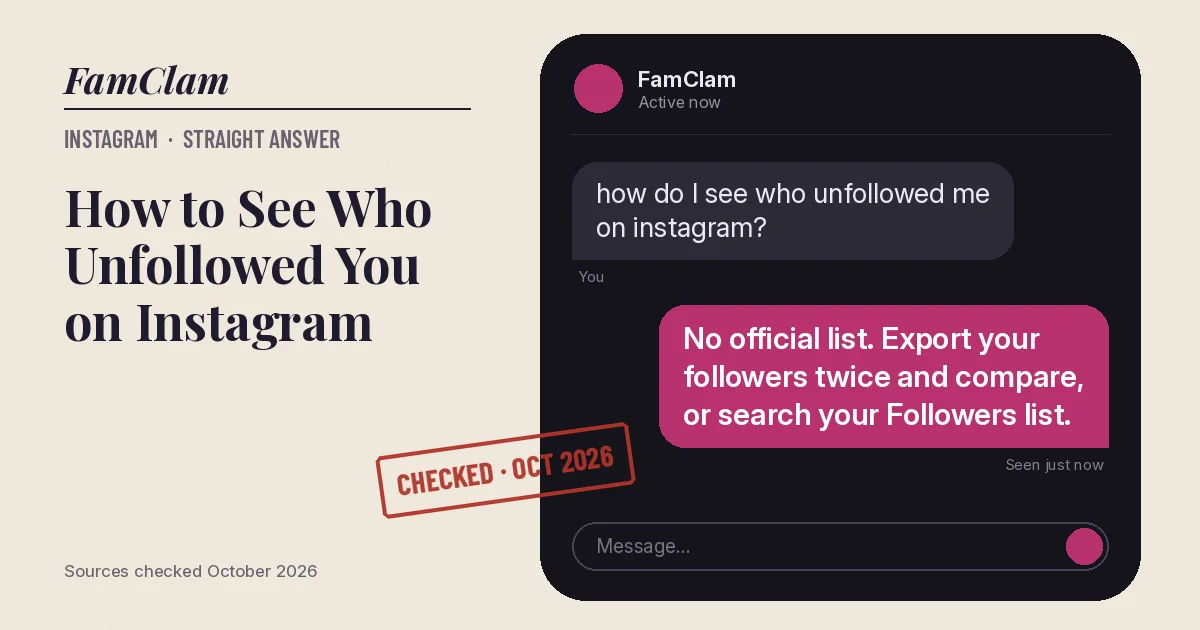
Instagram doesn’t tell you when someone unfollows you, and it has no unfollower list. You can still check one person by searching their Following list for your name, or catch every unfollow by exporting your followers list twice and comparing the two files. Skip apps that ask for your password.
- No notification, no official unfollower list (Instagram Help Center, October 2026).
- Fast check for one person: their profile > Following > search your username.
- Full check: export your information now, export again later, compare the followers lists.
Check if one person unfollowed you
- Go to your profile and tap Followers.
- Type their username in the search bar at the top.
- If they don’t appear, they no longer follow you. To double-check, open their profile, tap Following, and search for your own username.
If their account is private and you don’t follow them, step 3 won’t work. Your own Followers list is the reliable one.
Find everyone who unfollowed you
This uses Instagram’s own data export. Meta is moving people from Accounts Center to Meta Account in waves, so you’ll see one name or the other.
- Tap your profile picture, then the menu icon (three lines).
- Tap Accounts Center or Meta Account.
- Tap Your information and permissions.
- Tap Export your information (older versions say Download your information), then Create export.
- Pick your Instagram profile, choose Export to device, and select only the followers and following information to keep the file small.
- Tap Start export. Instagram sends a notification and an email when the file is ready.
- Repeat the export a week or a month later. Anyone in the first followers list but not the second unfollowed you, or left Instagram.
Why this is worth the effort: it’s the only method that uses Instagram’s own records and never shares your password with anyone.
Why unfollower apps are a bad idea
- Most ask you to log in with your Instagram password. That hands your account to a company you know nothing about.
- Instagram’s terms don’t allow collecting data from the service in unauthorized ways, so these apps work around Instagram rather than with it.
- Accounts that log in through these apps can get flagged, locked or asked to reset passwords.
Gotchas
- A missing follower isn’t always an unfollow. Deactivated, deleted and banned accounts drop off your list too.
- If the person blocked you, they disappear from your followers as well. Here’s how to tell if someone blocked you on Instagram.
- Someone who changed their username shows up under the new name, so compare names carefully.
FAQ
Does Instagram notify you when someone unfollows you?
No. Instagram notifies you about new followers, not lost ones.
Can someone see that I unfollowed them?
Not through a notification. They can only notice by checking their followers list, the same way you would.
Why did my follower count drop but I can’t find who left?
Instagram regularly removes spam and fake accounts, and deactivated accounts stop counting. Compare two exports to see exactly which names went missing.
Are unfollower apps safe if they don’t ask for my password?
Safer, but they still can’t see more than a public list. If an app claims it can, be wary of it.
Checked against Instagram’s Help Center for Android and iPhone, October 2026. Sources: Review and export a copy of your Instagram information, Differences between public and private accounts, SlashGear.