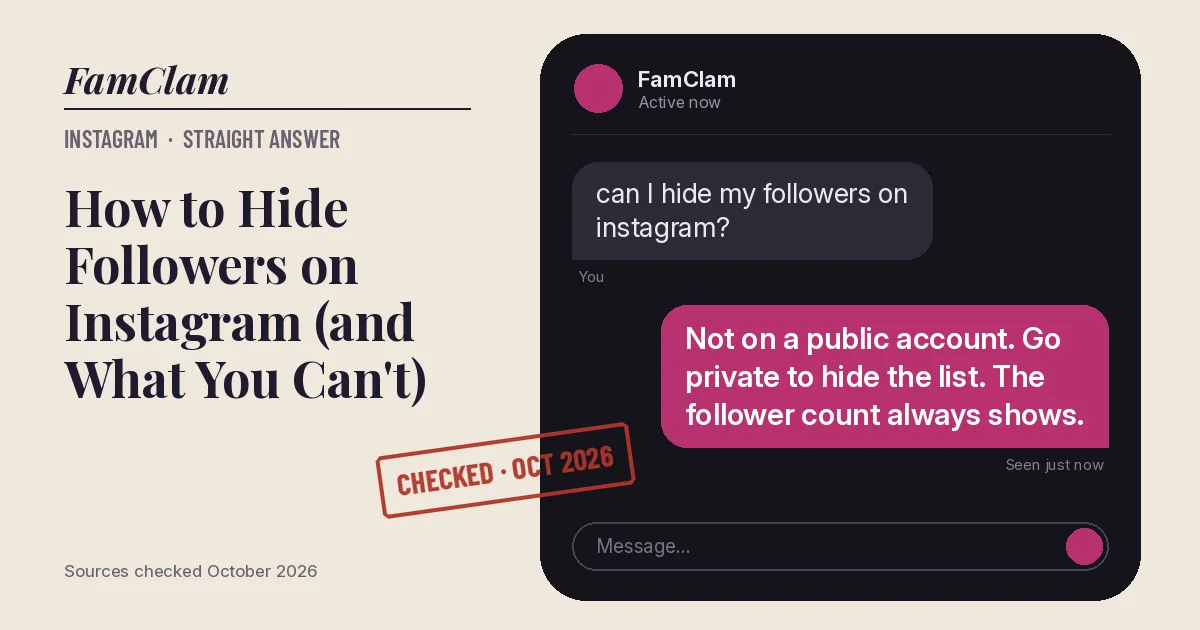
You can’t hide your followers list or your follower count on a public Instagram account; anyone on Instagram can open both. Making your account private is the only way to hide the list, and then only approved followers can see it. Your follower number still shows on your profile either way.
- Instagram has no “hide followers” switch. Going private is the closest option (Instagram Help Center, October 2026).
- Business and creator profiles can’t go private until they switch back to a personal account.
- Even on a private account, you can still show up in a public account’s own followers list.
How to hide your followers list by going private
- Open Instagram and tap your profile picture in the bottom-right corner.
- Tap the menu icon (three lines) in the top-right corner.
- Under Who can see your content, tap Account privacy.
- Turn on Private account.
- Tap Switch to private to confirm.
On a computer, click More > Settings > Account privacy and use the same toggle. If you don’t see the toggle, you’re on a professional account: switch back to a personal account first.
What other people can see
| Item | Public account | Private account |
|---|---|---|
| Follower and following counts | Anyone | Anyone |
| Private accounts in your followers list | Anyone on Instagram | Your followers only |
| Public accounts you follow or that follow you | Anyone on Instagram and Threads | Anyone on Instagram and Threads |
| Your posts and Reels | Anyone | Your followers only |
That third row trips people up. Instagram’s own comparison says public accounts you follow, and that follow you, stay visible even after you go private. In practice that’s because you still appear in their lists, which anyone can open.
Other ways to control who sees your followers
- Remove a follower. Open your profile, tap Followers, then Remove next to the name. Instagram’s help page says this works when your account is private, and the person isn’t notified.
- Block someone. A blocked person can’t search for your profile or see your content, and they aren’t told. Read what a block looks like from their side.
- Restrict someone. They stay a follower, but they can’t see when you’re online, their new comments are visible only to them, and they can’t tag or mention you.
Gotchas
- Going private doesn’t remove anyone who already follows you. Clean the list by hand if that’s the goal.
- If you’re under 18, your account is already private by default. Teens under 16 need a parent’s permission to switch to public.
- Hiding like counts on your posts is a different setting. It doesn’t touch your follower list or your follower count.
FAQ
Can I hide my follower count on Instagram?
No. The number shows on every profile, public or private. Only the list of names behind it can be limited, by going private.
Can I hide my followers from just one person?
Not directly. If your account is private and that person doesn’t follow you, they can’t open the list. If they follow you, removing or blocking them is the only way.
Will my followers know I went private?
Instagram doesn’t say it alerts anyone. Existing followers keep seeing everything; people who don’t follow you see a request button instead of your posts.
Why can’t I make my account private?
Business profiles can’t be private. Switch back to a personal account in settings, then the Private account toggle appears.
Checked against Instagram’s Help Center for Android and iPhone, October 2026. Sources: Differences between public and private accounts, Make your Instagram account private, Remove a follower, About Instagram: Block, Mute, Restrict, Report (November 2024).